
How it works
From installation to a better overview
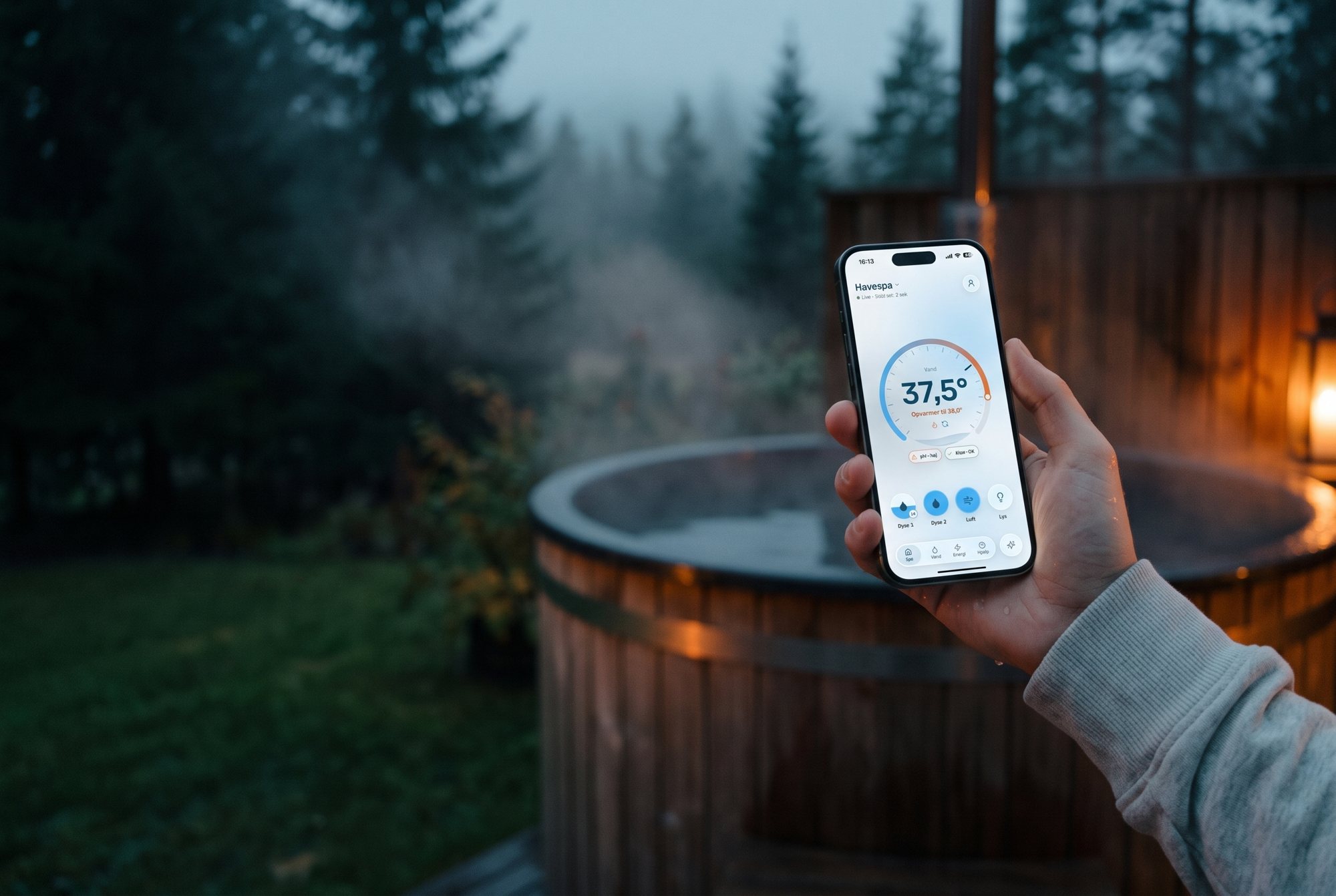
RANI iQ SPA makes your spa available in the app and the customer portal. The unit is installed in the spa and connected to a supported control system and your network.
Setup5 steps
The connection
From the spa to your phone
- 1 Your spa A supported spa or control system
- 2 RANI iQ SPA The unit is installed in the spa
- 3 Your network Connects to your Wi-Fi
- 4 App and portal One login for both
Step by step
Five steps to an intelligent spa
-
1
Check compatibility
Before you order, make sure your spa or control system is supported.
 Check if your spa is compatible
-
2
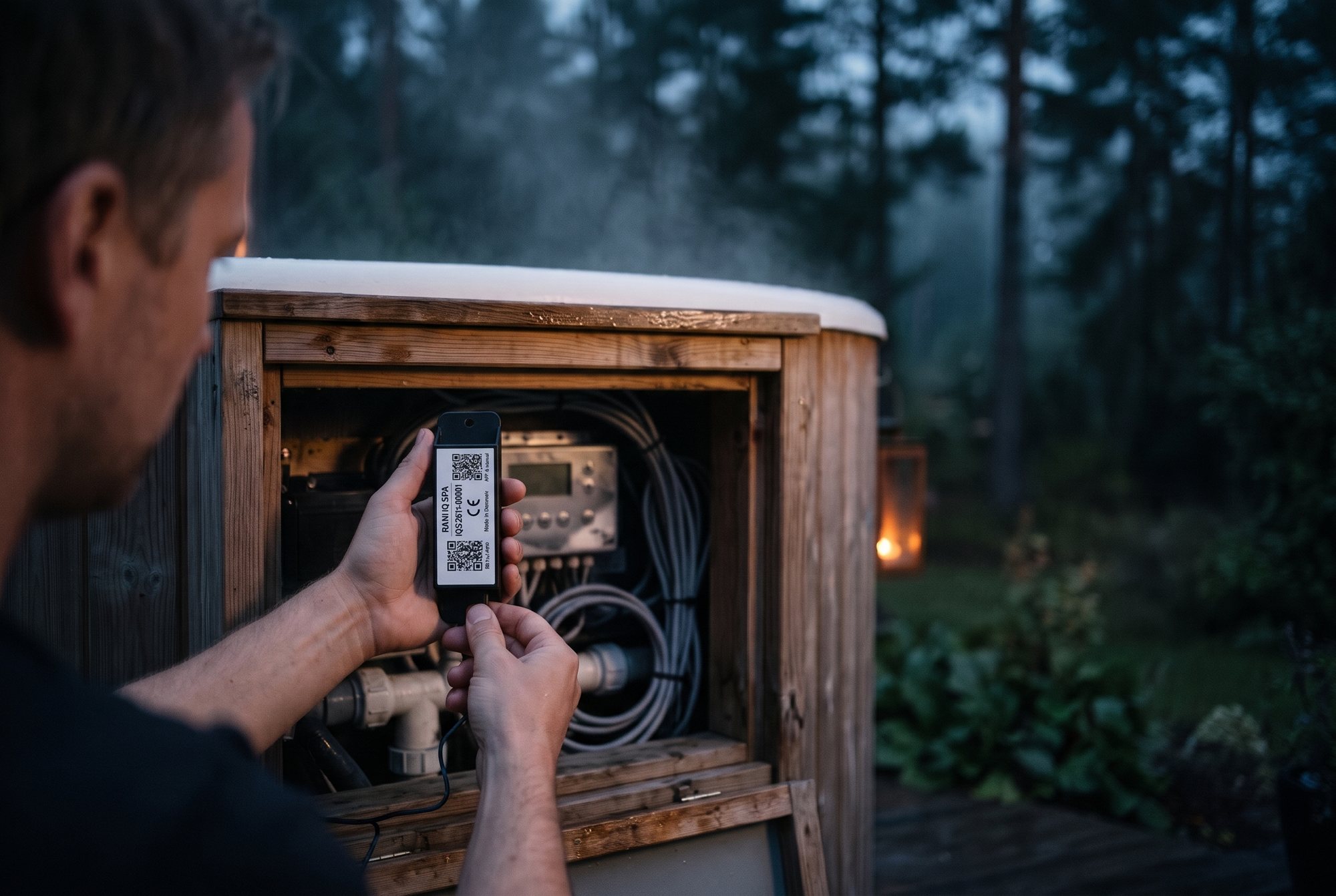
Install RANI iQ SPA
Follow the step-by-step installation guide. The installation is designed so you can do it yourself. All you need is a screwdriver to open the spa and the control box, and it can be done in under 5 minutes.
-
3
Create your login
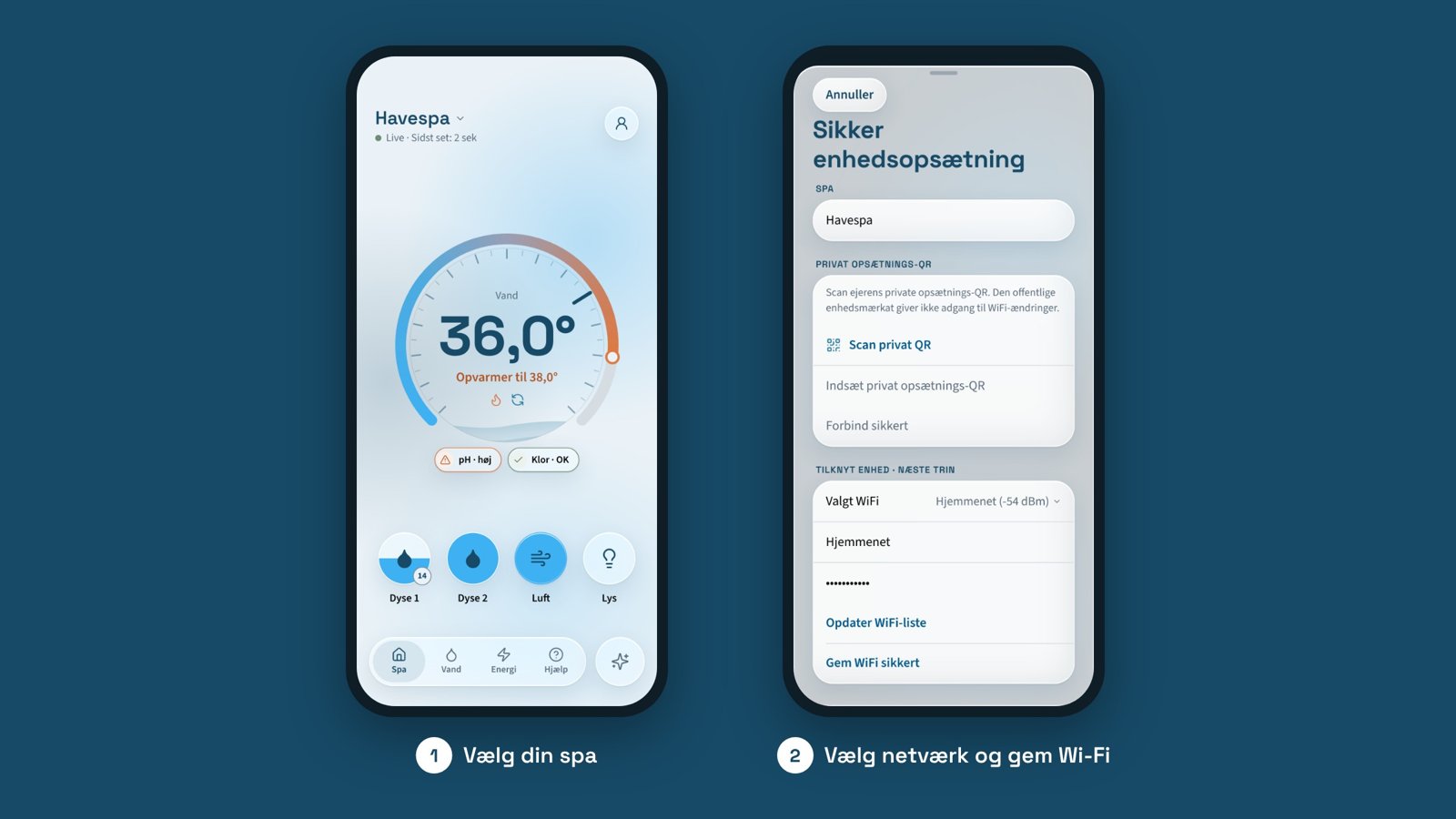
Download the app for iOS or Android, create your user and connect RANI iQ SPA. The same login gives access to the customer portal. Create your spa and link RANI iQ SPA to it.
-
4
Adjust operation
See status and energy data, schedule operation and adjust the settings to how you use the spa.
-
5
Follow the results
Use history, charts and analysis to see how the spa runs over time and where you may be able to cut unnecessary energy use.

Watch it on video
Installing RANI iQ SPA
Next step